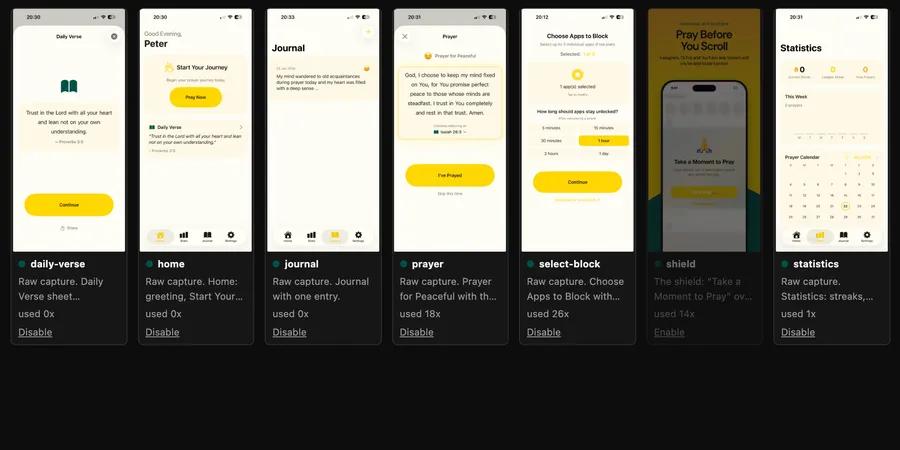
1. Add your app
Paste your App Store link. follow.fast pulls in the name, icon, description and screenshots. Not an app? Upload screenshots of any product.
Posting daily for 4 of my own apps58 posts1,843 views
Slideshows from your real screenshots and notifications, published to TikTok, Instagram, Facebook, Threads and Bluesky.
Private beta. Your first 5 posts are free, no card.

 519 views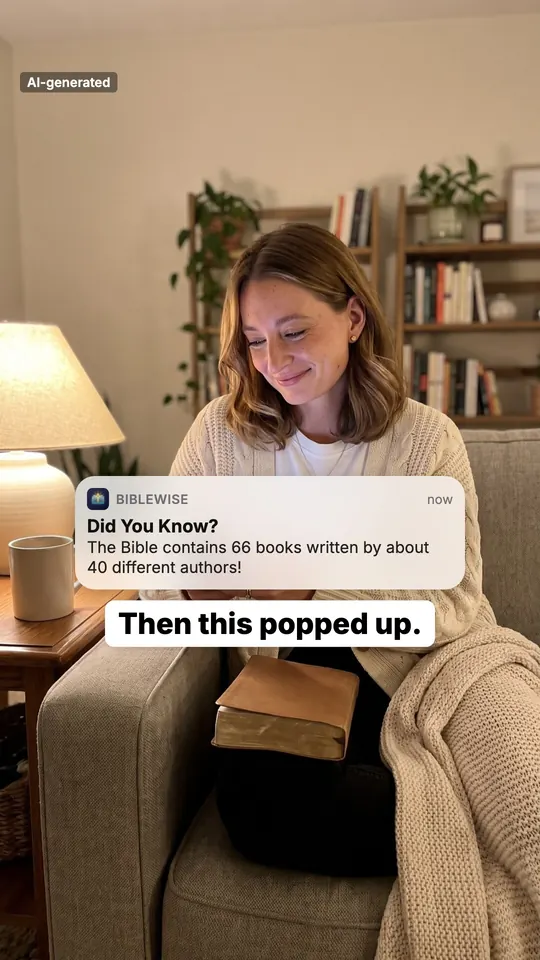
 776 views on TikTok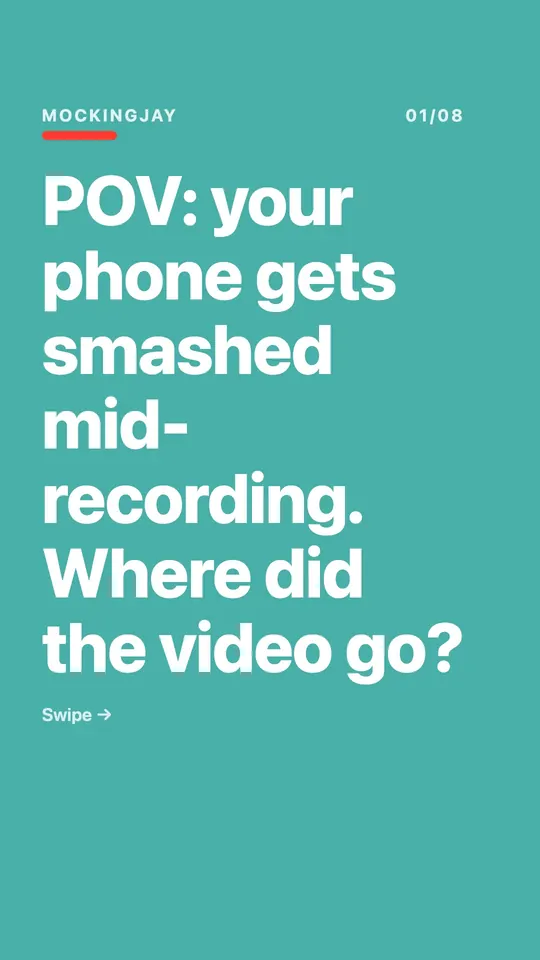
Paste your App Store link. follow.fast pulls in the name, icon, description and screenshots. Not an app? Upload screenshots of any product.
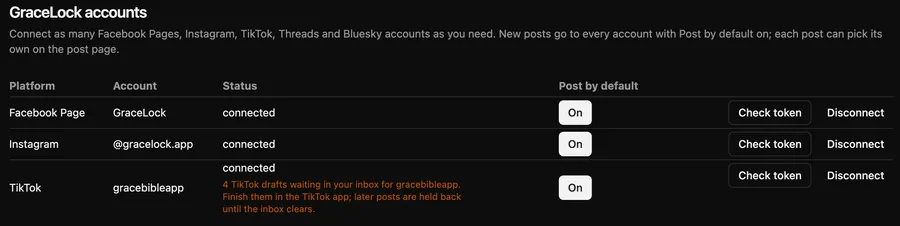
TikTok, Instagram, Facebook, Threads and Bluesky. As many accounts per platform as you need.
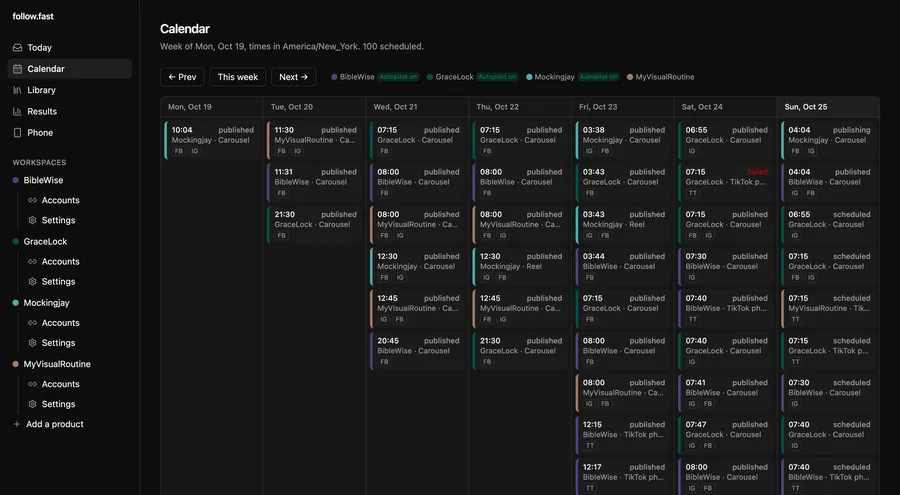
New posts land in your queue each day. Approve them with one click, or switch on autopilot and they get scheduled for you.
No testimonials yet. These are my own apps, with the numbers the platforms report.

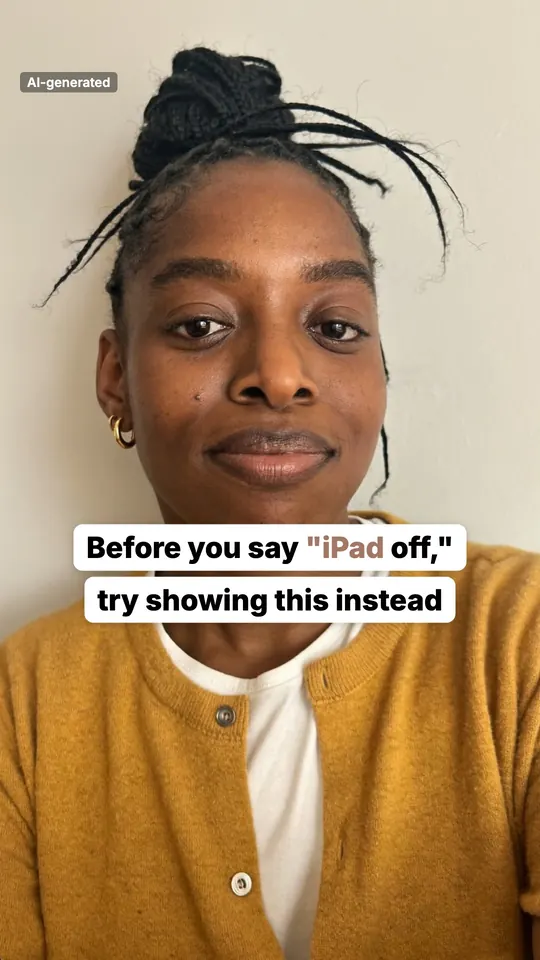
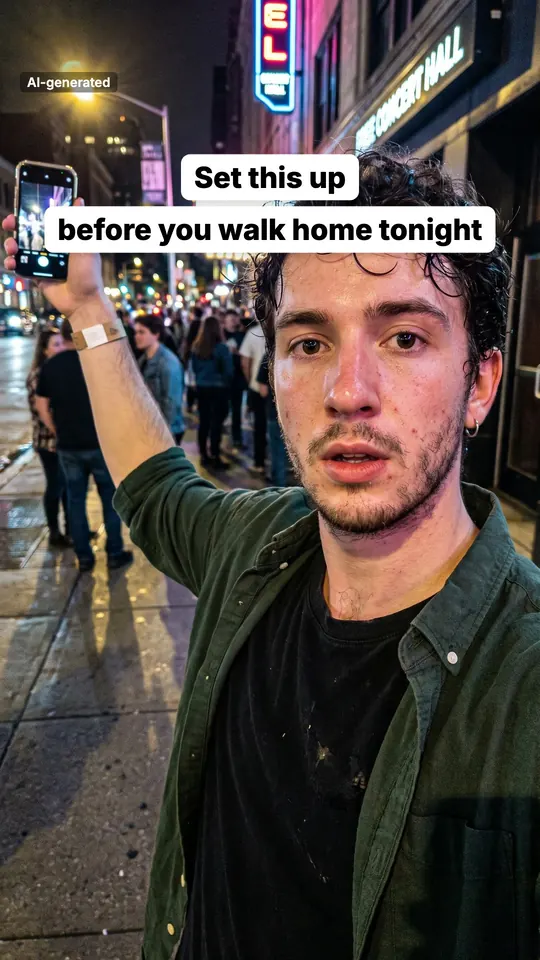
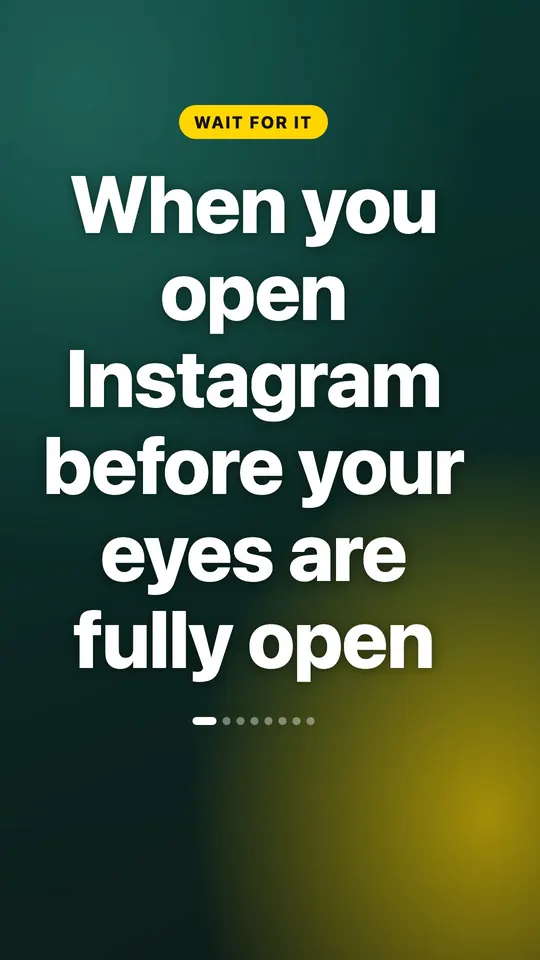
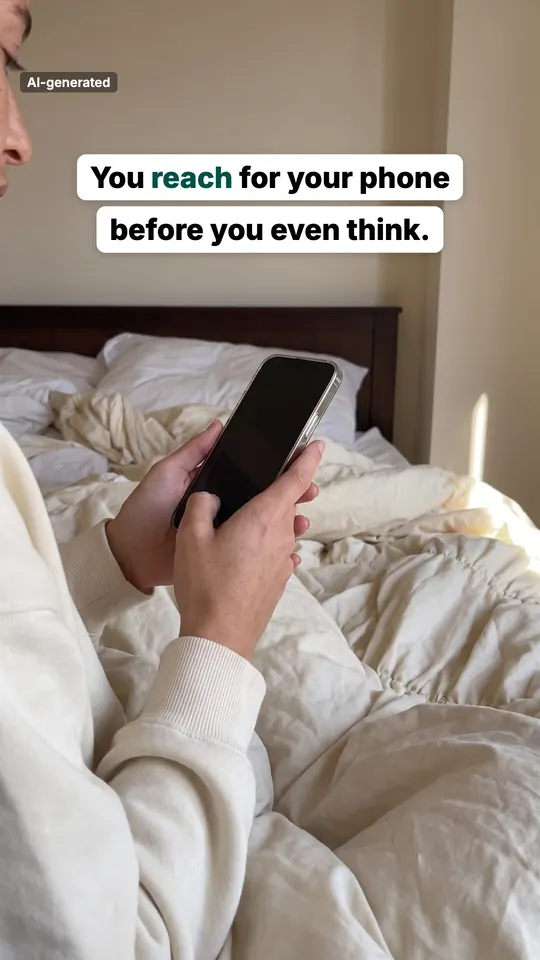
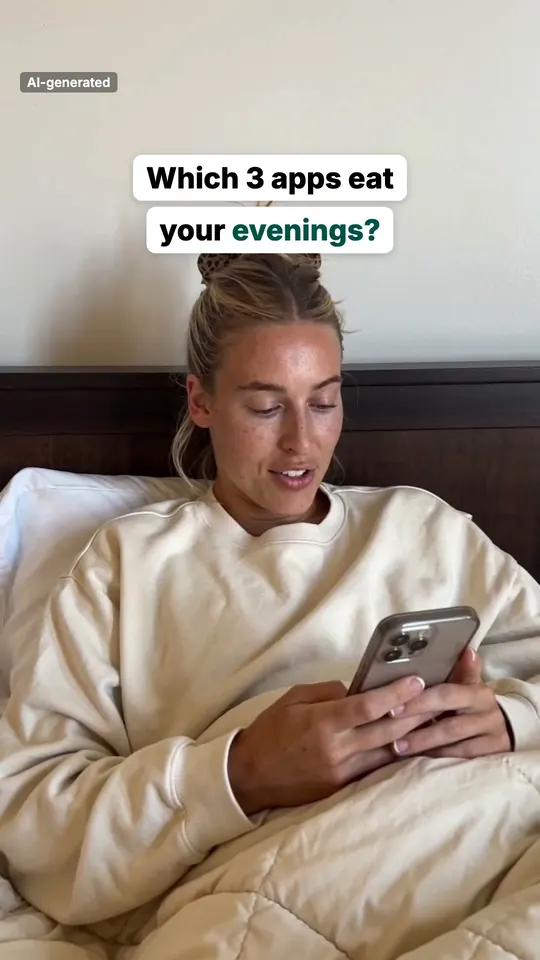
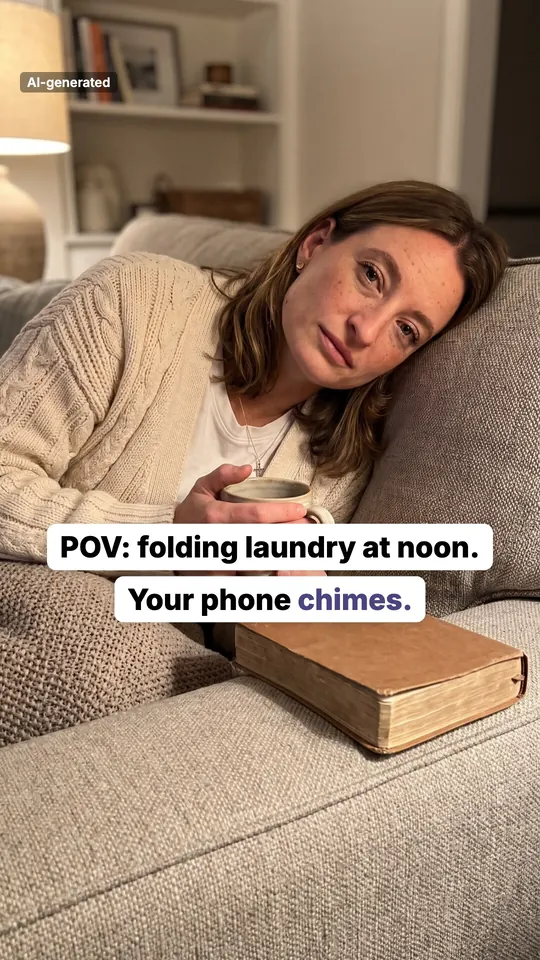
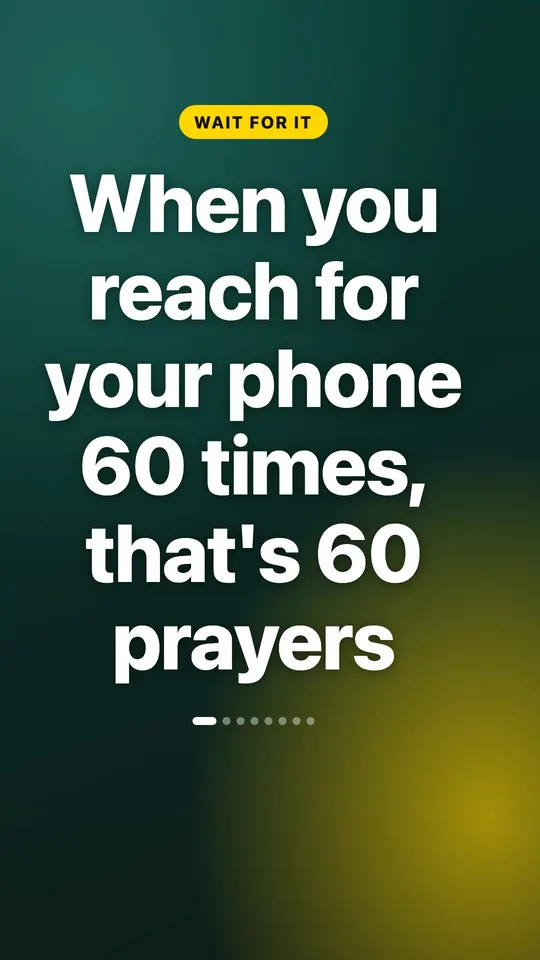
"You reach for your phone before you even think." A recurring AI persona (labelled "AI-generated" on the slide) talks over three real app screens, then an end card. All eight slides, exactly as they went out:
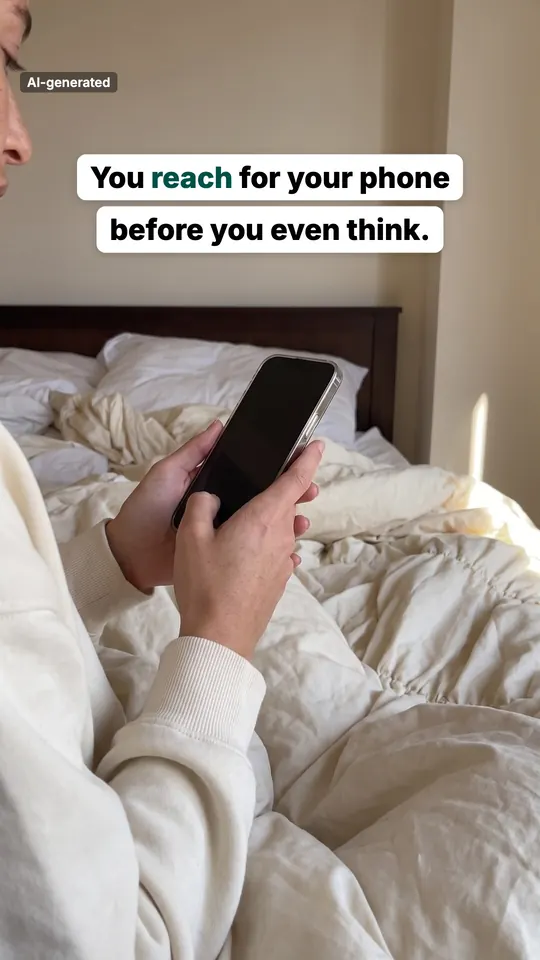 Hook
Hook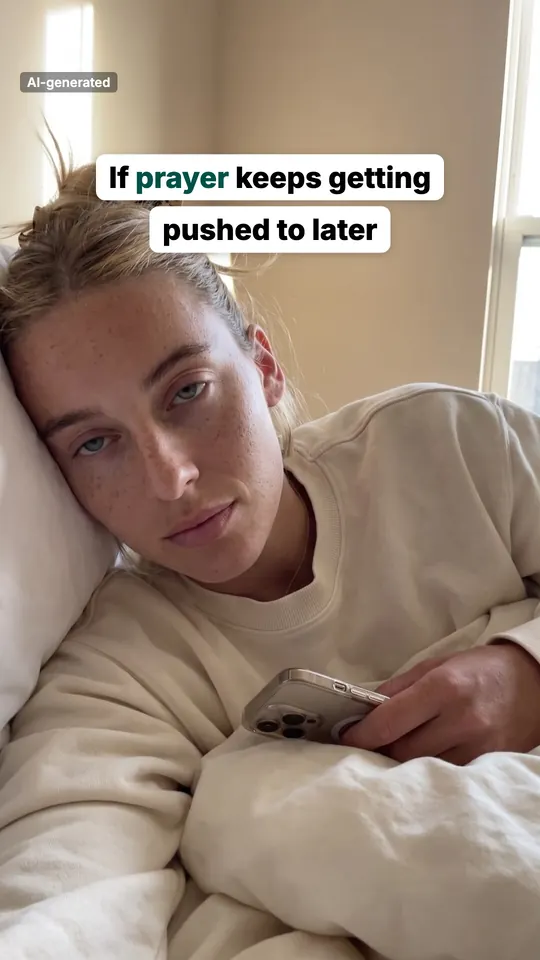
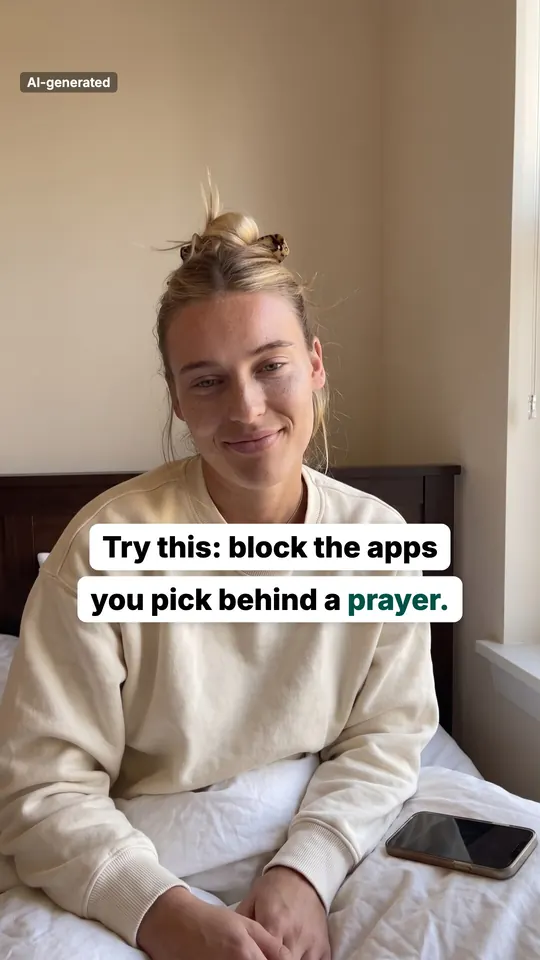
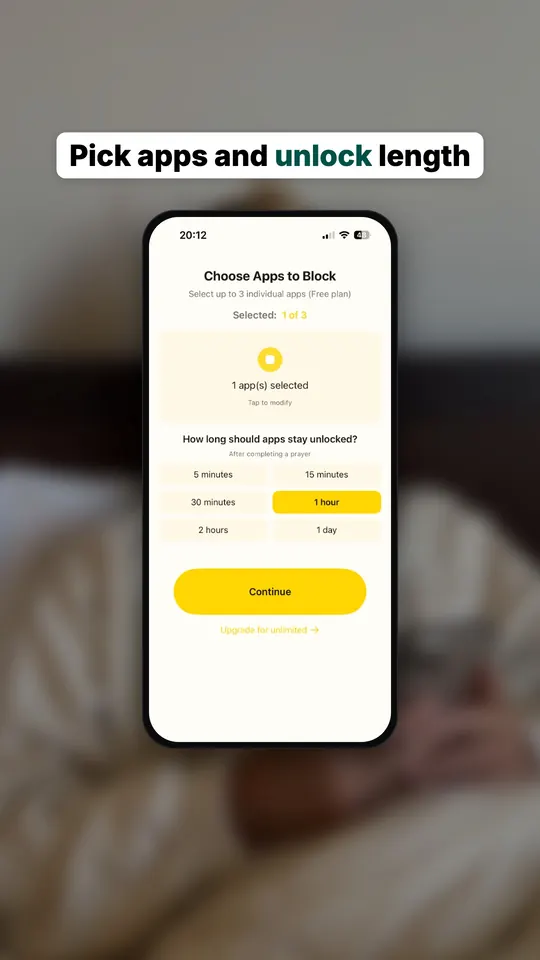 App screen
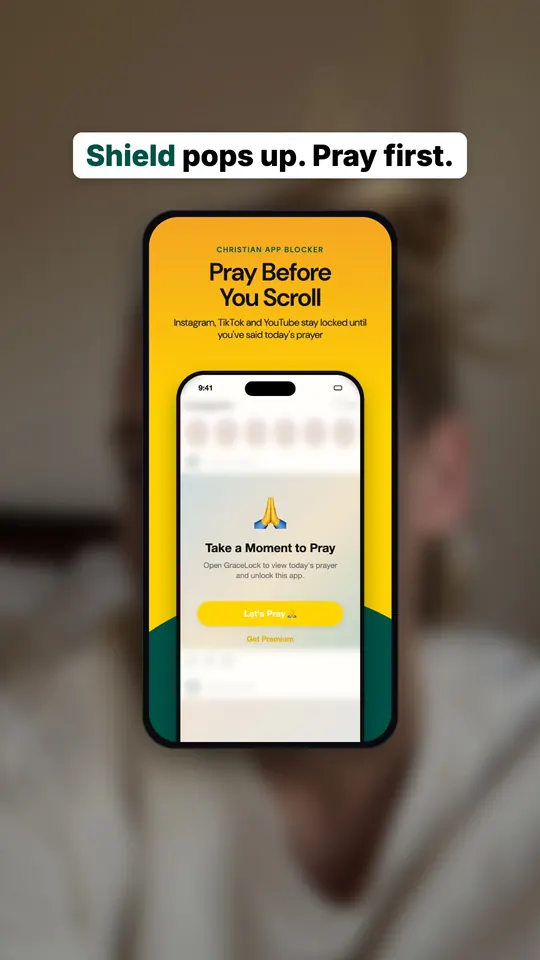 App screen
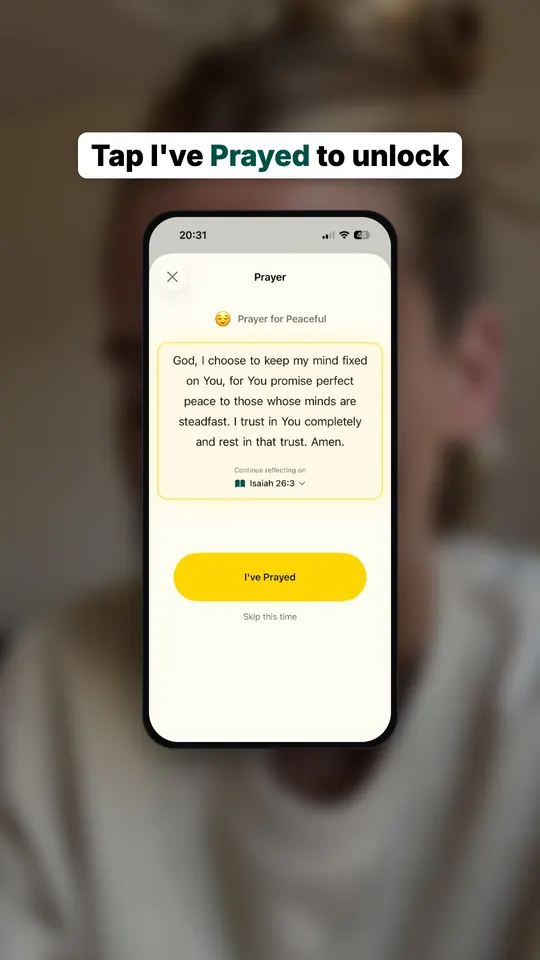 App screen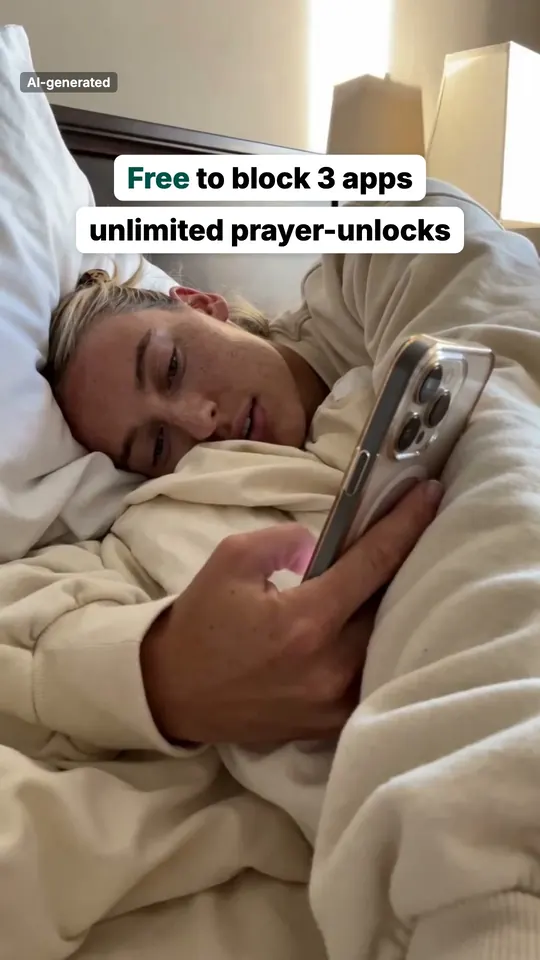
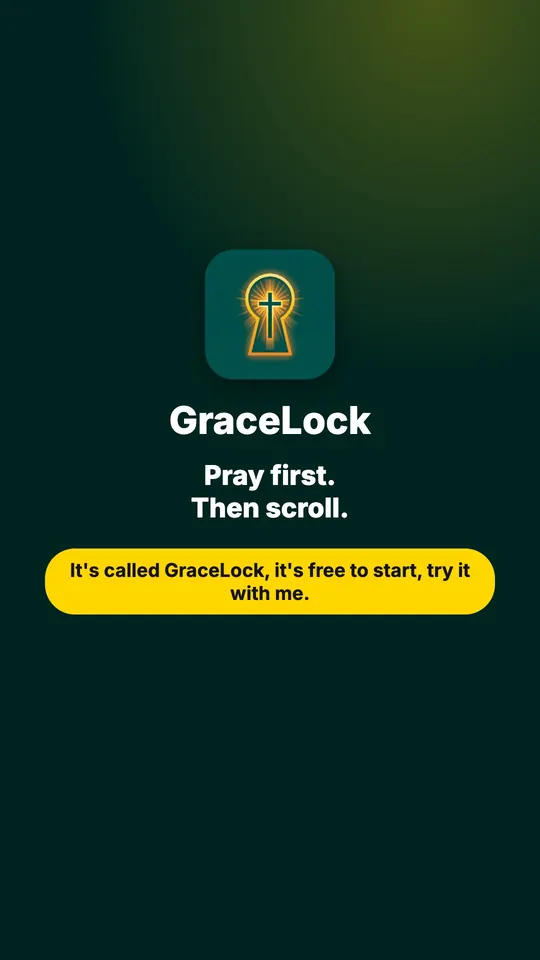 End card
Caption written by follow.fast: What if every reach for your phone became a prayer? GraceLock puts a short prayer before the apps you pick. Try it with me.
Best post: 776 views (GraceLock on TikTok). My own apps only, posting since 19 Oct 2026, counted on 25 Oct 2026. Small and early, and real.
"I ship apps, and I never had time to post about them. So I built follow.fast for my own four apps. It has published 58 posts for them since 19 Oct 2026. No testimonials yet, just my own numbers. You'd be one of the first customers."
GraceLockPray before you scroll
 BibleWiseBible trivia quizzes
 MockingjaySecure video recorder
 MyVisualRoutineVisual schedules
14 shipped products so far.
No people at all, just text slides and the app. Second-best post so far.
519 views267 views
The push notification BibleWise really sends, on a phone in the scene, then the real Daily Challenge screen. No stock photos of someone else's product.
Notification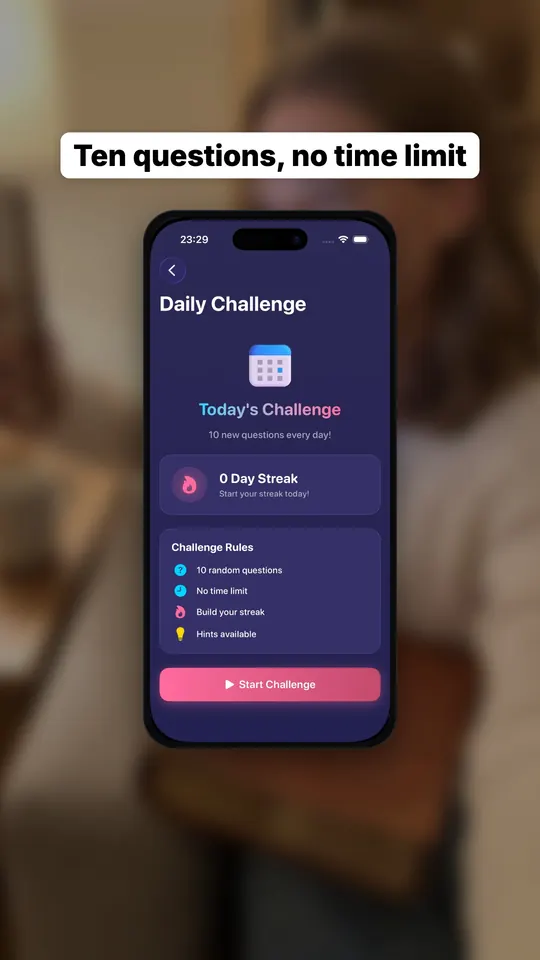 App screen
Schedulers post what you bring. follow.fast makes the posts, posts them, and checks what worked.
Every slideshow can show the app as it actually is: screenshots from your listing, and the push notifications your app really sends, rendered on a phone in the scene.
NotificationApp screen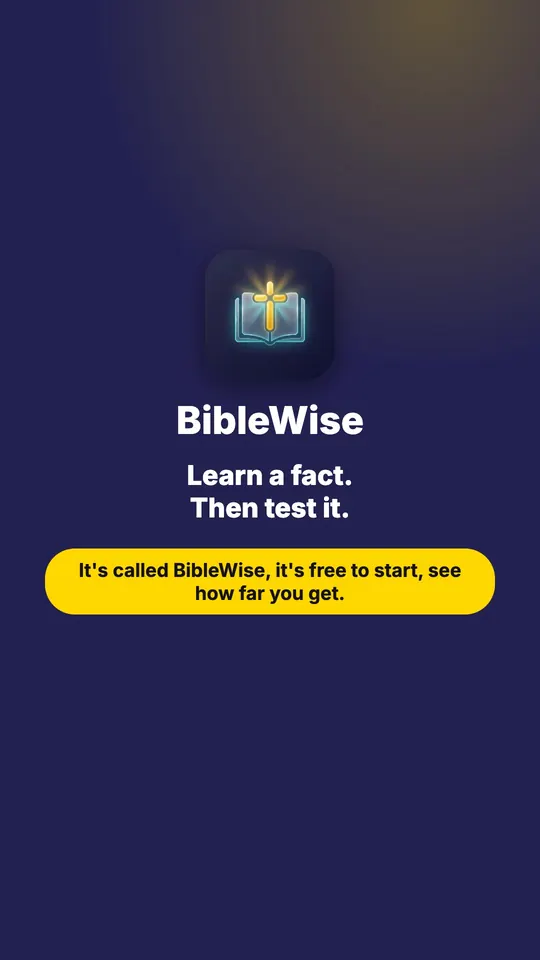 End card
Edit the text, highlight words, reorder, remove slides, or swap in another photo or app screen. The 4:5 feed version and the 9:16 TikTok version update together.
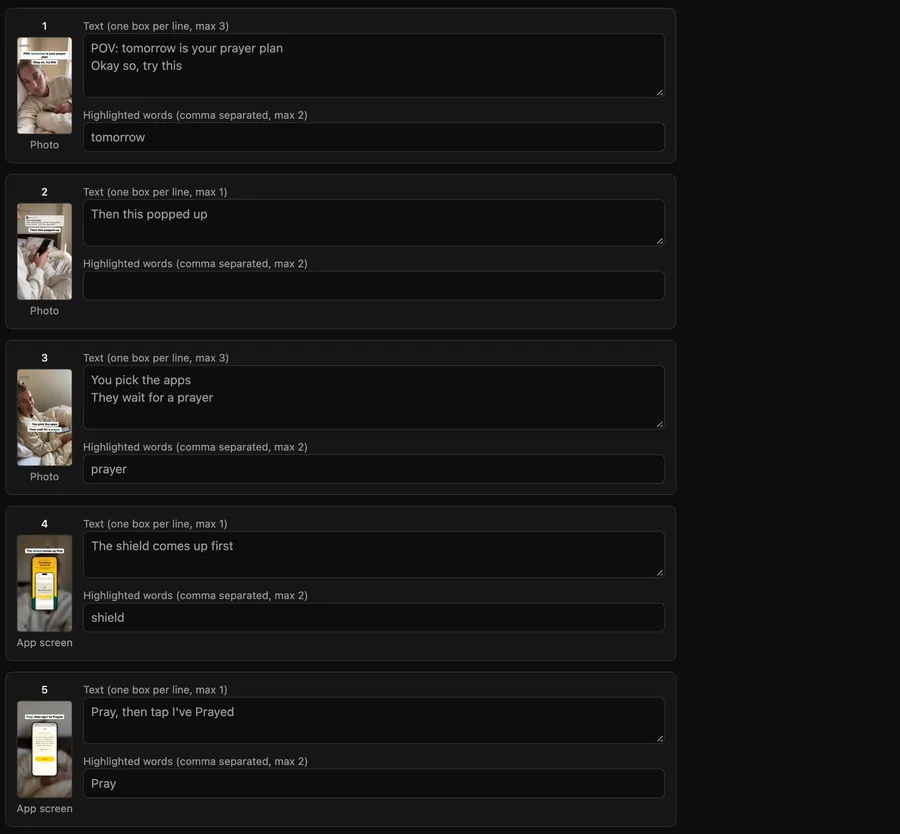
Persona stories, notification stories, listicles, myth vs fact, before/after and more. Formats that beat your median get picked more often; the rest get retired.
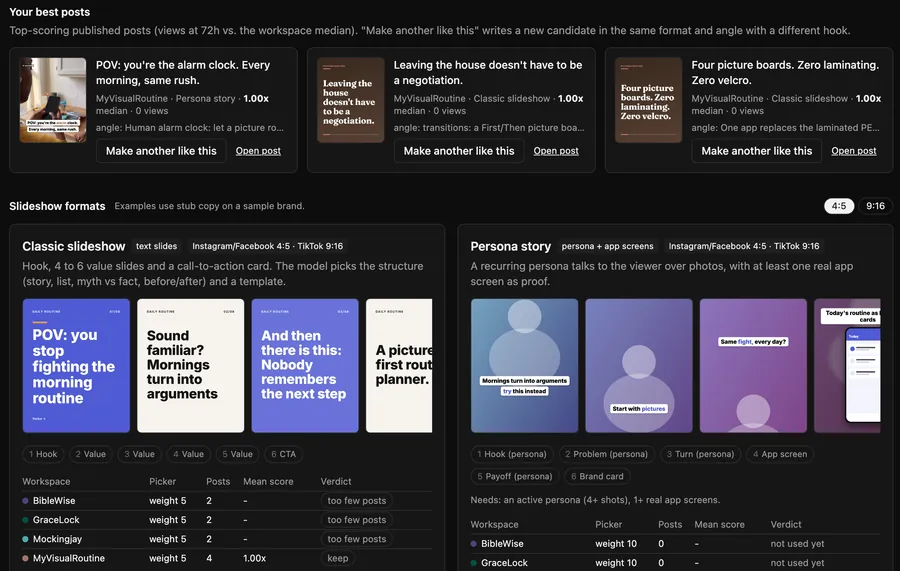
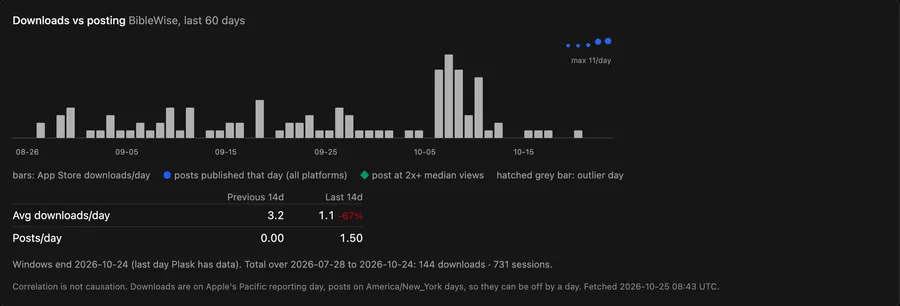
Each post is scored on its views at 72 hours against your own median. Connect Plask and your App Store downloads sit on the same chart as the days you posted.
Feed carousels for Instagram, Facebook, Threads and Bluesky, a photo post for TikTok. TikTok posts go to your drafts or straight to your profile, your choice per post.
Each product gets its own workspace, brand voice and posting plan. Autopilot fills the slots; the calendar shows what went out and what's next.
An API, an MCP server and an agent skill, so your scripts and agents can make, schedule and read posts.
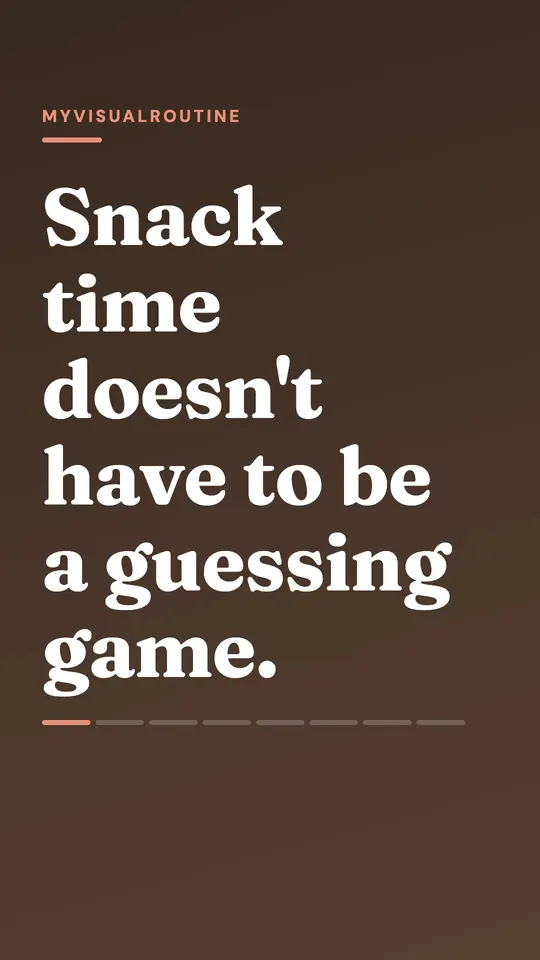
First slides of posts follow.fast published this week for four of my apps. View counts are shown where the platform reports more than a handful.

View counts are TikTok's own numbers as of 25 Oct 2026. Photos of people are AI-generated personas and are labelled on the slide.
| Feature | follow.fast | Schedulers | TikTok slideshow tools |
|---|---|---|---|
| Makes the posts for you | Every day, for each product | You bring the posts | Yes |
| Uses your real app screens and notifications | Imported from your listing | Whatever you upload | Mostly stock, Pinterest or AI images |
| TikTok | Drafts or straight to profile | Yes | Yes |
| Instagram, Facebook, Threads, Bluesky | Same post, sized per platform | Yes | Usually TikTok only |
| Learns which formats work | Scored at 72h vs your median | Analytics to read yourself | Analytics, varies |
| Downloads next to each post | With Plask | No | No |
| Several products, one account | Up to 10 workspaces | Usually | Varies |
General categories, not specific products. Features vary by tool and plan.
Start with 5 free posts, no card. Pick a plan when you want more. Beta users get the founding price.
Founding price for new customers, then the early-bird price
One product, every channel.
then $14/month for new customers
Request beta accessAutopilot and Results with Plask downloads.
then $39/month for new customers
Request beta accessAI characters, API keys and your team.
then $79/month for new customers
Request beta accessPrices in USD. Your price stays locked while your subscription is active. Cancel any time.
Private beta
Private beta: I add you as a tester on TikTok and Meta while their app reviews finish. Public sign-up opens after approval.
Bluesky works for anyone from day one. Beta users keep the founding price.
I'll email you when I've added you as a tester. Accept the tester invites from TikTok and Meta when they arrive, then sign in with the link I send.
The short version: private beta for now, 5 free posts, no card, cancel any time. Privacy questions go to [email protected].
One generated slideshow. The feed version for Instagram, Facebook, Threads and Bluesky and its TikTok version count as one post. Slideshows you reject still count, because they were made; videos you import yourself don't. Your monthly allowance resets on the 1st (UTC).
TikTok and Meta (Facebook, Instagram, Threads) are still reviewing the app. Until they approve it, only accounts I add as testers can connect, so I add every beta user by hand. Request access and I'll send you the tester invites and a sign-in link. Public sign-up opens after approval, and beta users keep the founding price.
TikTok, Instagram (business or creator accounts), Facebook Pages, Threads and Bluesky. Every post is rendered in 4:5 for feeds and 9:16 for TikTok, and you can connect several accounts per platform. During the beta, TikTok, Instagram, Facebook and Threads work once I've added you as a tester there; Bluesky works for anyone.
Posts go to your TikTok drafts or straight to your profile. With drafts, you open TikTok, add a sound and publish. Posting straight to your profile asks you to confirm TikTok's settings (who can see it, comments, music) for each post. During the beta your TikTok account is added as a test user while TikTok reviews the app, and until approval TikTok may keep posts made through the app private to you.
Yes, if your product has something to show. Upload screenshots of your web app, SaaS dashboard or product, and follow.fast builds the same formats around them.
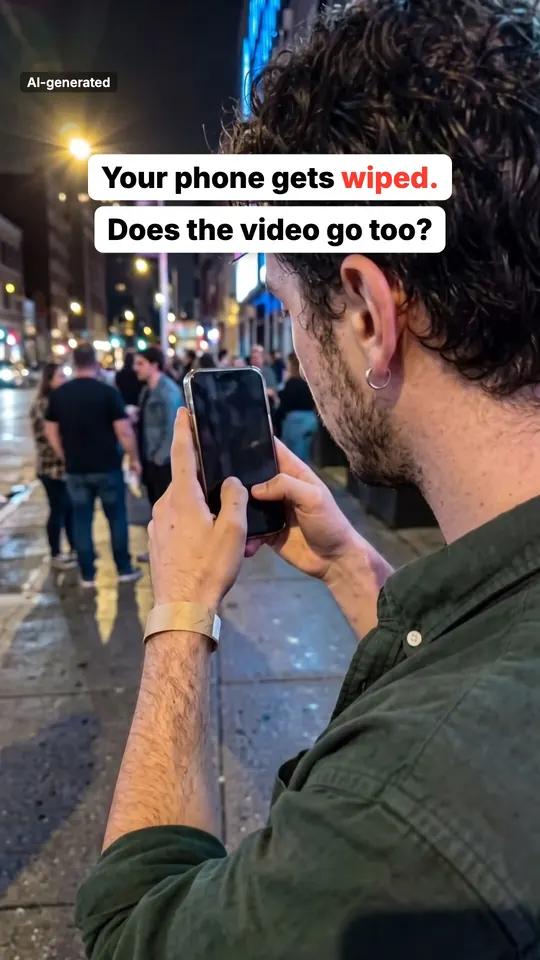
No. Persona formats use AI-generated people, and each such slide is labelled "AI-generated". Text, app-screen and notification formats need no people at all, and you choose which formats each product uses.
Your first 5 posts are free, no card needed. After that, making new posts stops until you pick a plan. Everything you already made and scheduled keeps working.
Yes. You keep the price you join at for as long as your subscription stays active, also when you switch plans and when prices go up for new customers. If you cancel and come back later, you pay the price at that time.
Yes, from your billing page, no call or email needed. Posts that are already approved and scheduled keep publishing, and your workspaces and results stay. New posts and autopilot stop until you subscribe again.
Plask is my P&L tool for app makers. Connect it on Growth or Scale to see your daily App Store downloads next to the days you posted. You don't need it to post. Downloads next to posts show timing, not proof that a post caused them.
follow.fast only acts on the accounts you connect, to publish your posts and read how they did. Tokens are stored encrypted, nothing is sold, and you can disconnect or delete everything at any time. Details: Privacy, Terms and delete your data.
Send your App Store link and I'll get you into the beta. 5 posts free, no card, founding price.