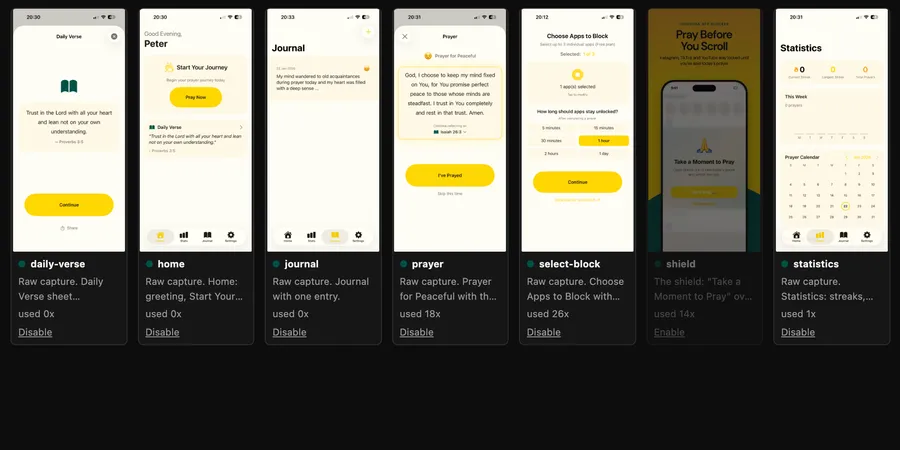
1. Add your app
Paste your App Store link. follow.fast pulls in the name, icon, description and screenshots. Not an app? Upload screenshots of any product.
Posting daily for 4 of my own apps58 posts1,843 views
Slideshows from your real screenshots and notifications, published to TikTok, Instagram, Facebook, Threads and Bluesky.
Private beta. Your first 5 posts are free, no card.
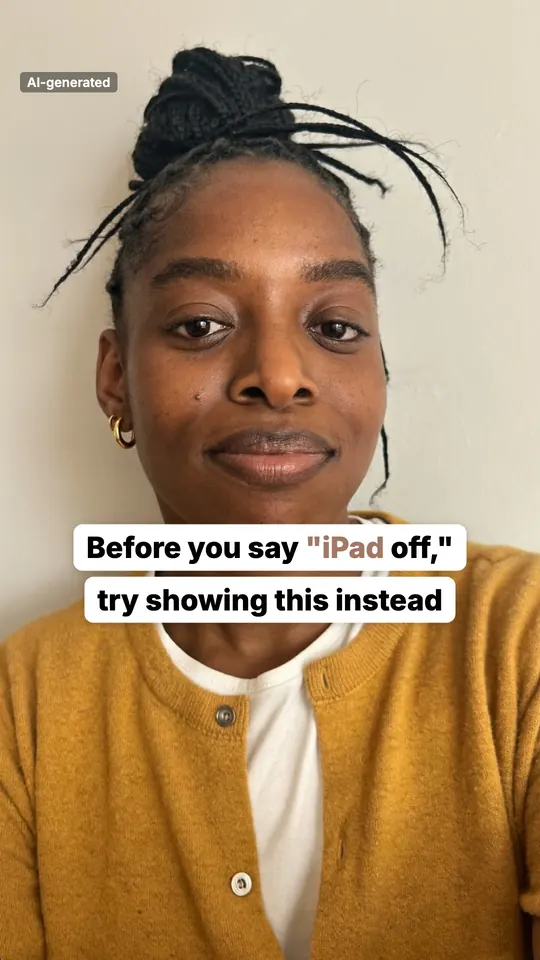
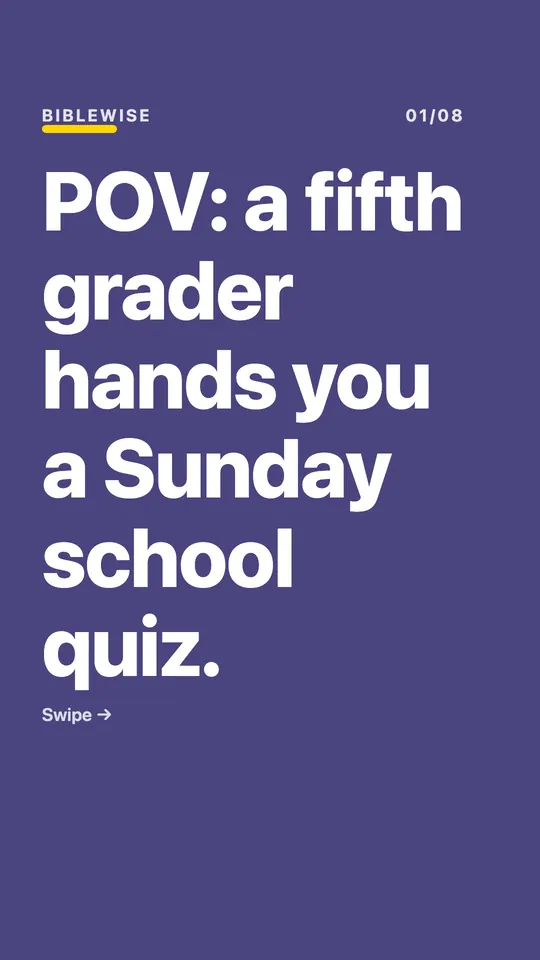
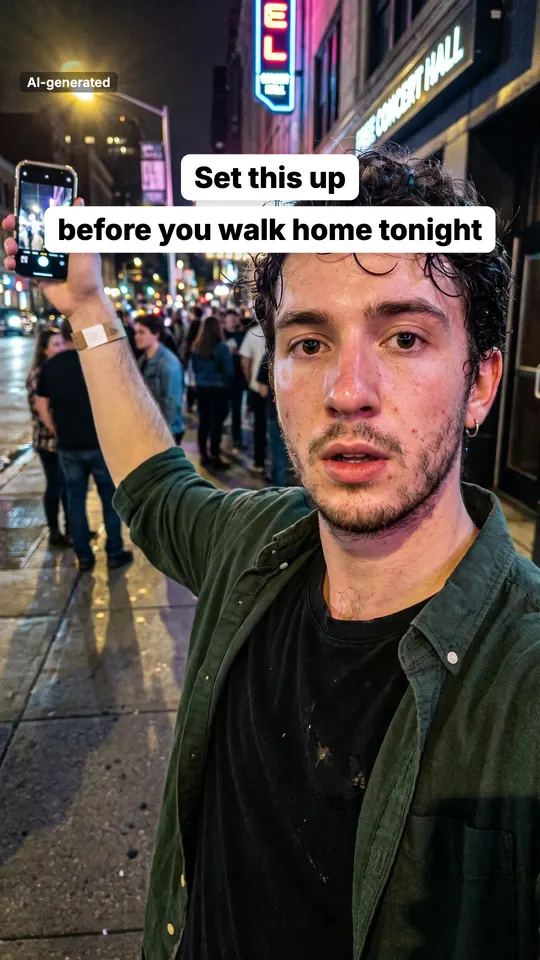
 519 views
 776 views on TikTok
follow.fast is a tool for indie app makers and small SaaS teams. It turns your real app screenshots and push notifications into slideshow posts and publishes them to TikTok, Instagram, Facebook, Threads and Bluesky. Each post is scored on its views after 72 hours, and the formats that beat your median get picked more often.
Paste your App Store link. follow.fast pulls in the name, icon, description and screenshots. Not an app? Upload screenshots of any product.
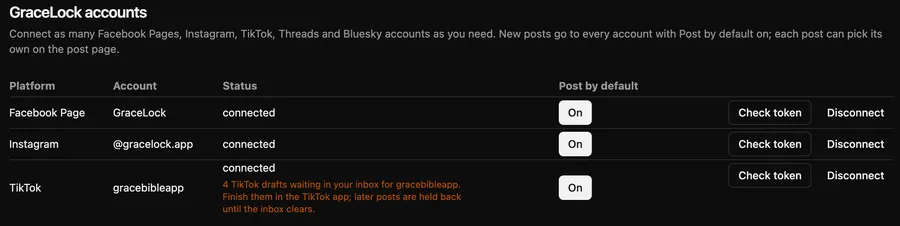
TikTok, Instagram, Facebook, Threads and Bluesky. As many accounts per platform as you need.
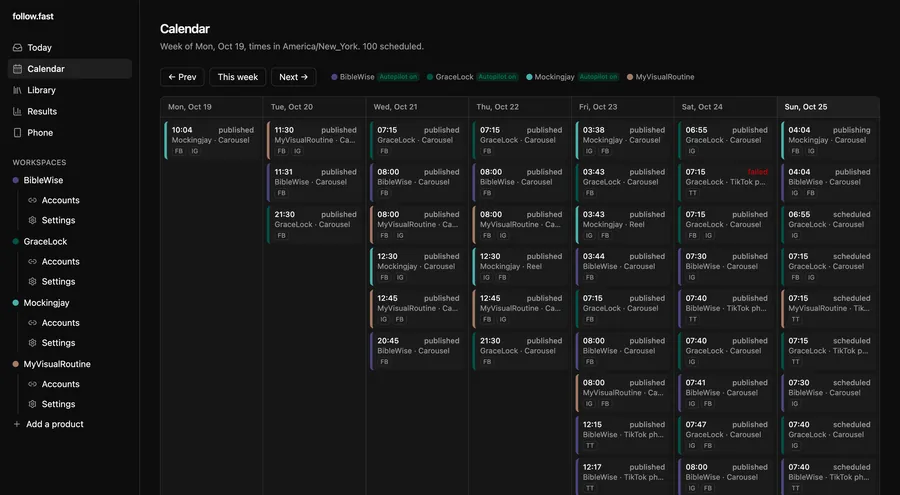
New posts land in your queue each day. Approve them with one click, or switch on autopilot and they get scheduled for you.
No testimonials yet. These are my own apps, with the numbers the platforms report.
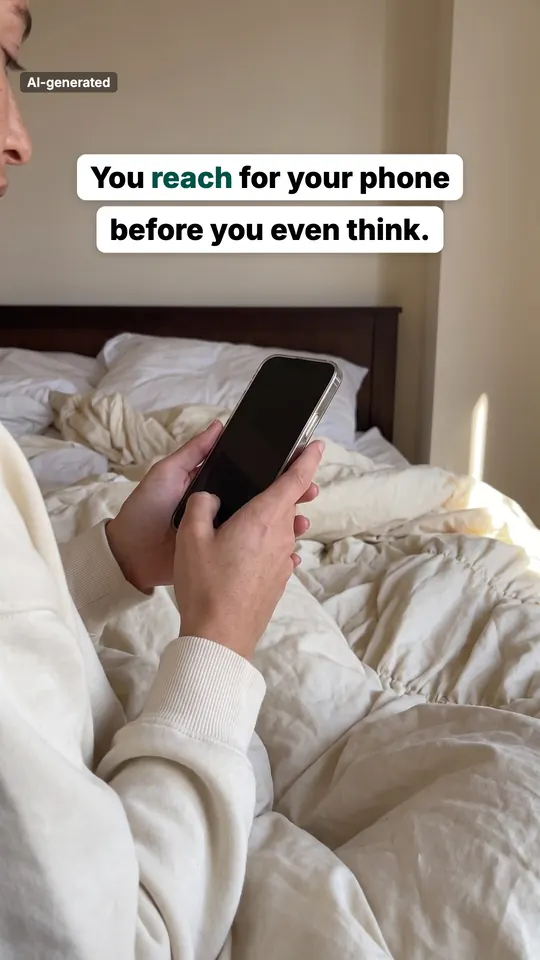
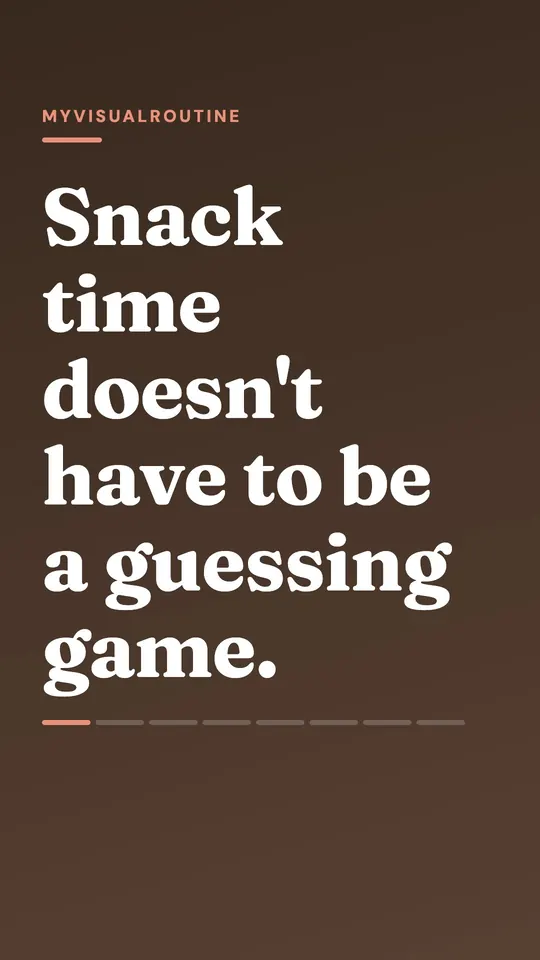
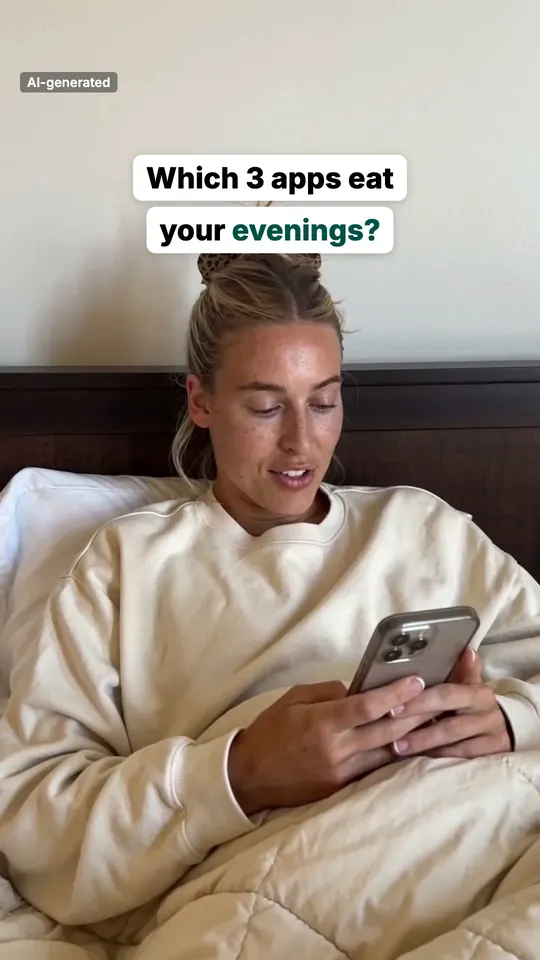
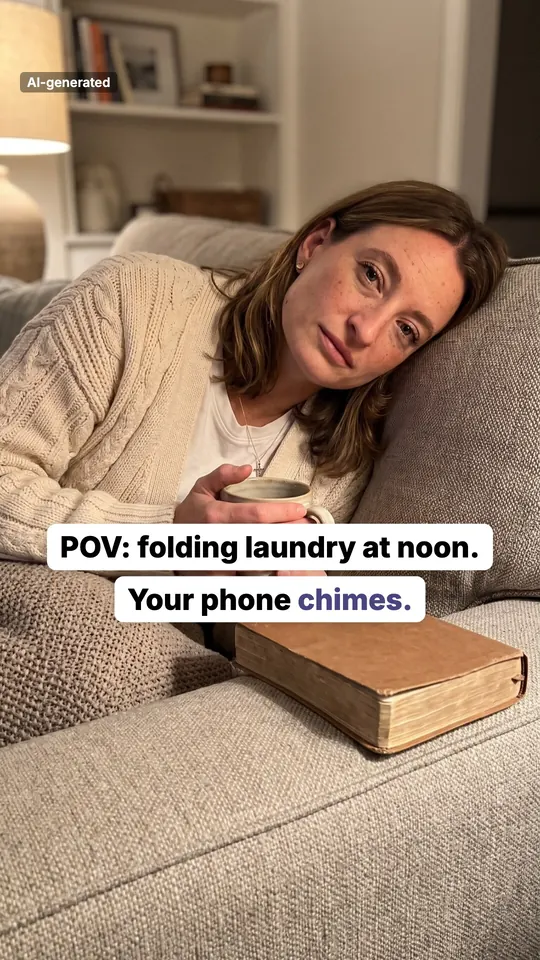
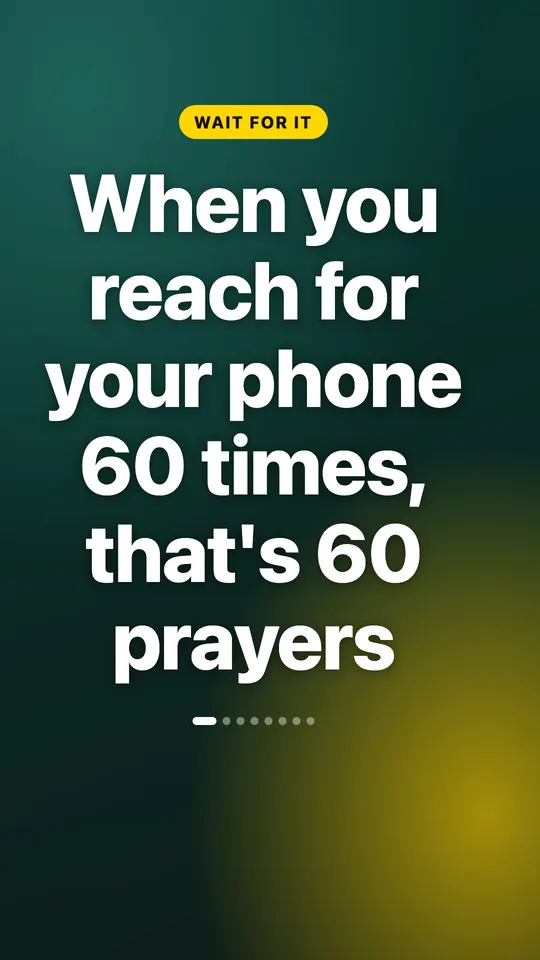
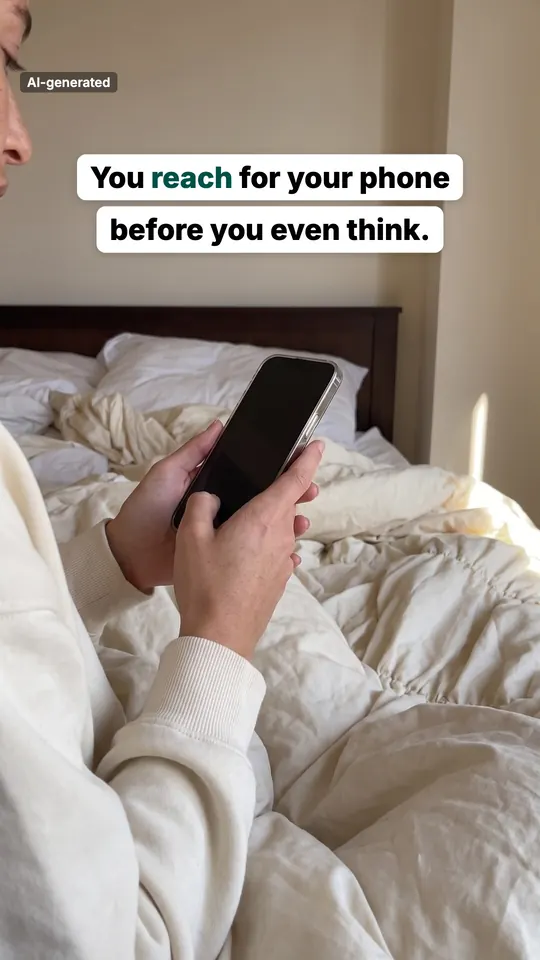
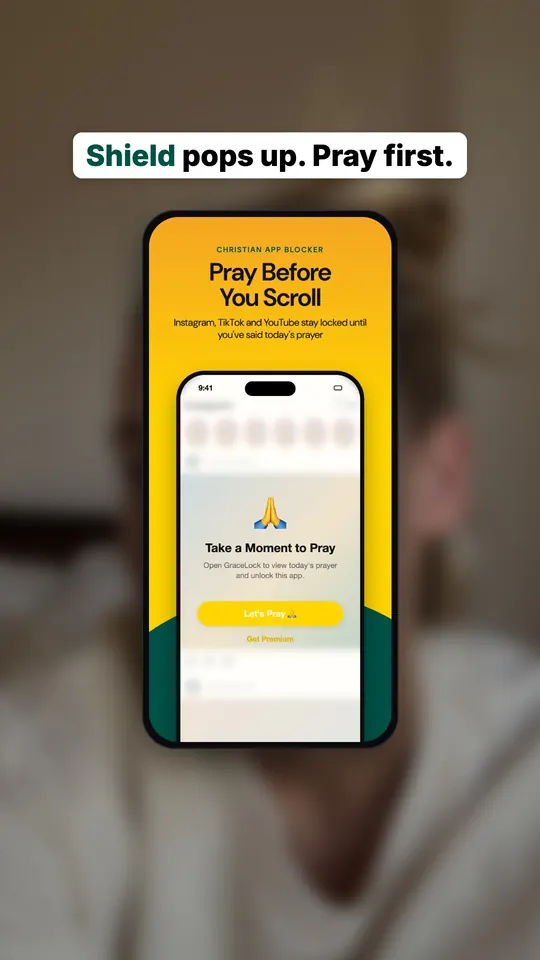
"You reach for your phone before you even think." A recurring AI persona (labelled "AI-generated" on the slide) talks over three real app screens, then an end card. All eight slides, exactly as they went out:
 Hook
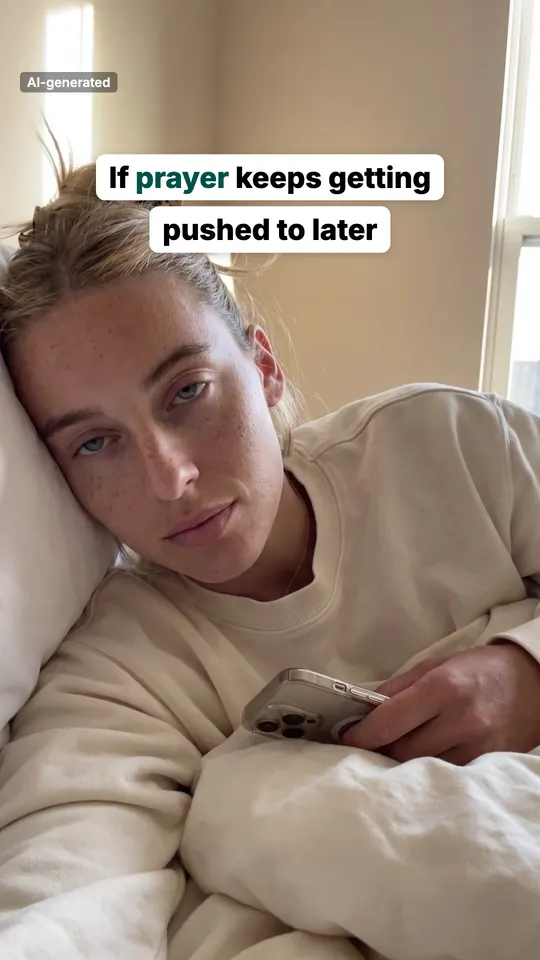
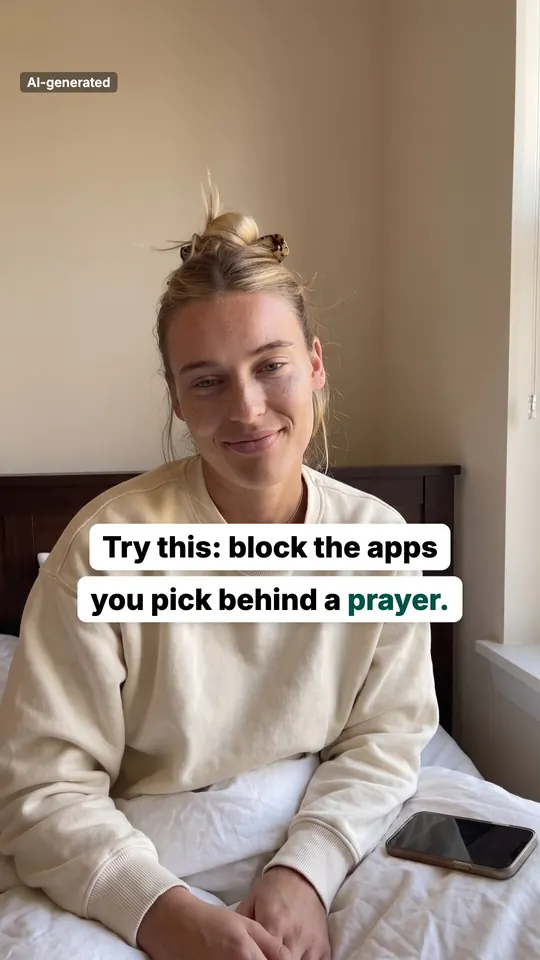
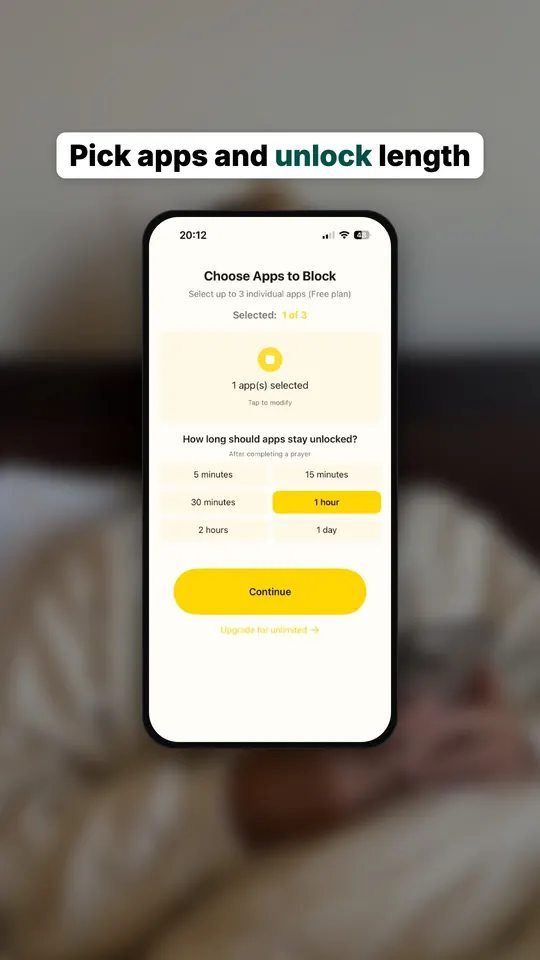 App screen
 App screen
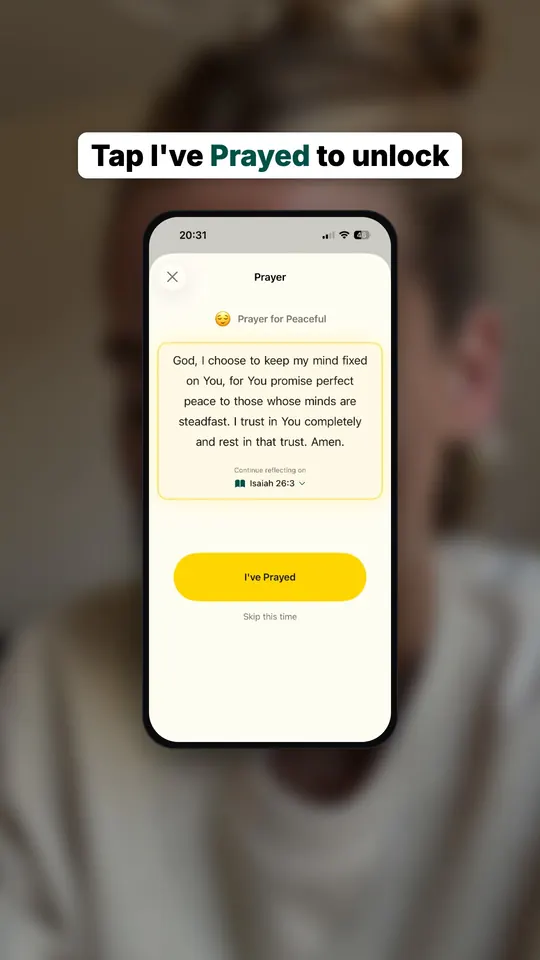 App screen
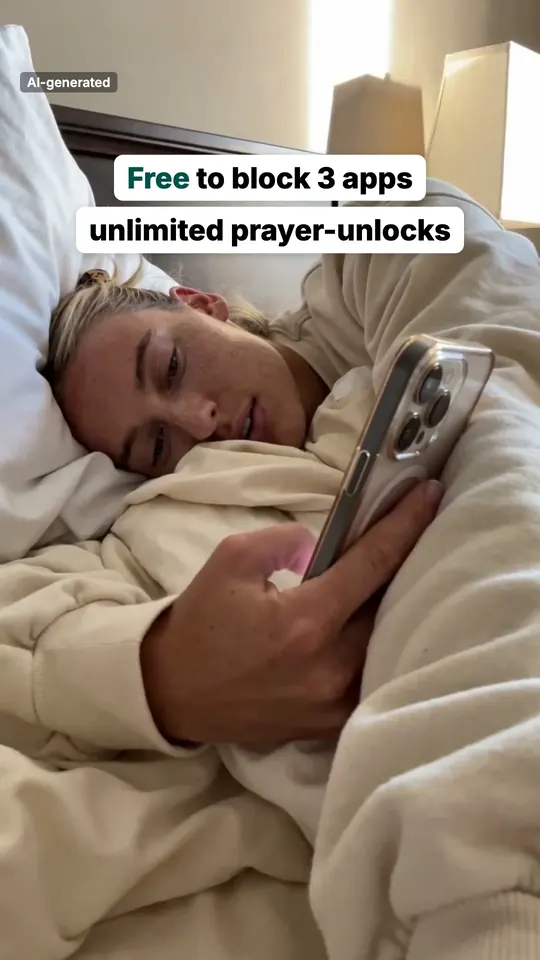
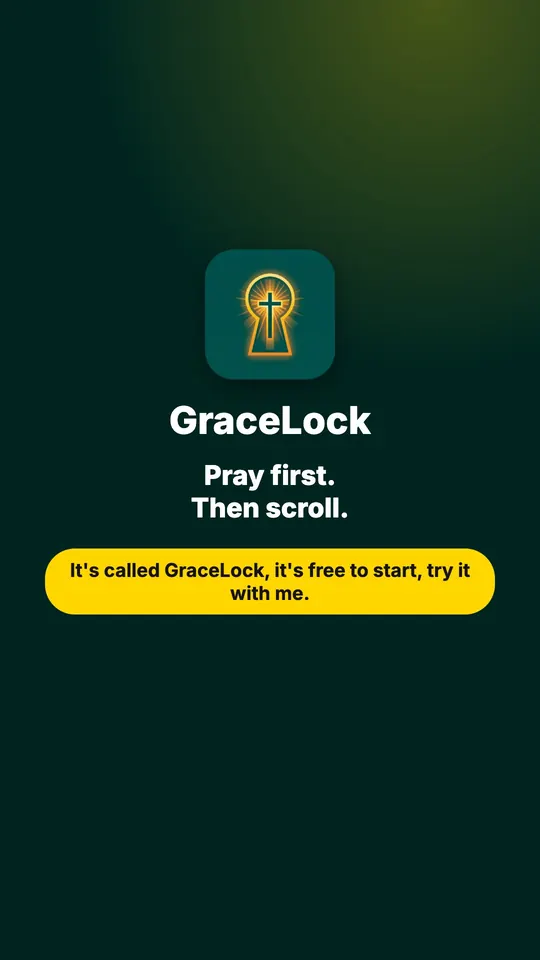 End card
Caption written by follow.fast: What if every reach for your phone became a prayer? GraceLock puts a short prayer before the apps you pick. Try it with me.
Best post: 776 views (GraceLock on TikTok). My own apps only, posting since 19 Oct 2026, counted on 25 Oct 2026. Small and early, and real.
"I ship apps, and I never had time to post about them. So I built follow.fast for my own four apps. It has published 58 posts for them since 19 Oct 2026. No testimonials yet, just my own numbers. You'd be one of the first customers."
GraceLockPray before you scroll
 BibleWiseBible trivia quizzes
 MockingjaySecure video recorder
 MyVisualRoutineVisual schedules
14 shipped products so far.
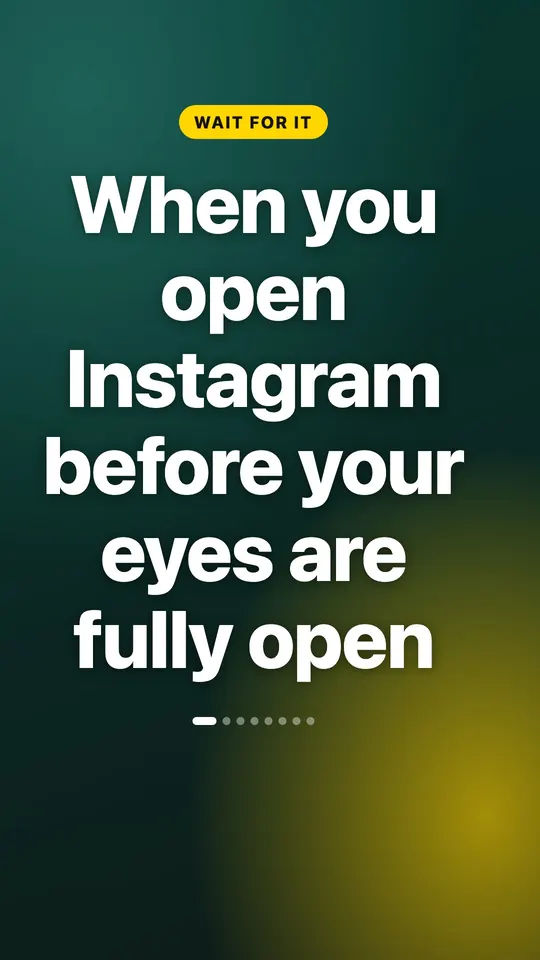
No people at all, just text slides and the app. Second-best post so far.
519 views267 views
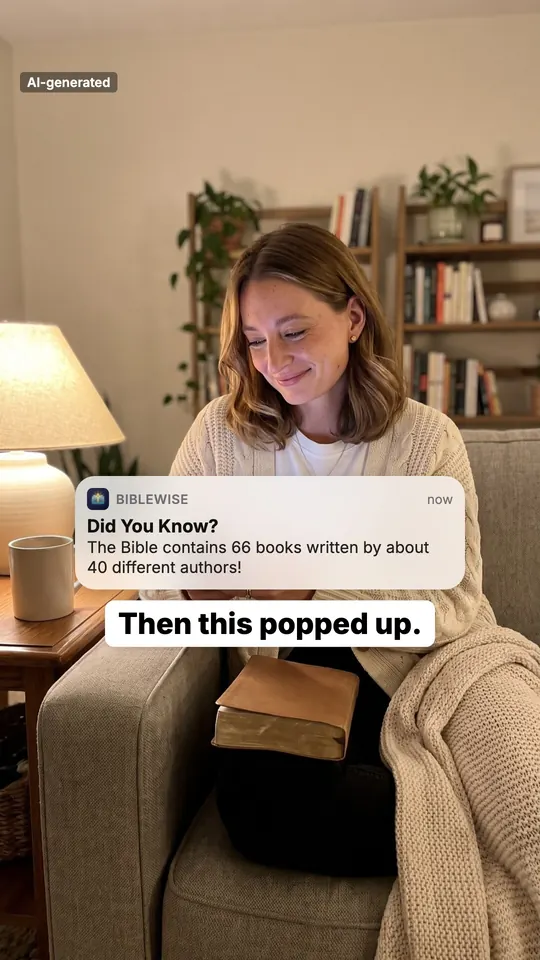
The push notification BibleWise really sends, on a phone in the scene, then the real Daily Challenge screen. No stock photos of someone else's product.
Notification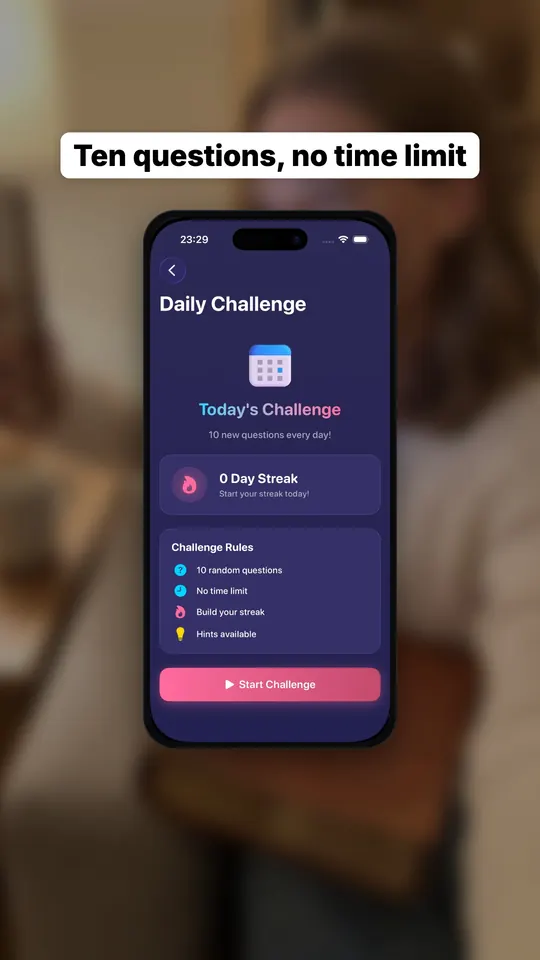 App screen
Schedulers post what you bring. follow.fast makes the posts, posts them, and checks what worked.
Every slideshow can show the app as it actually is: screenshots from your listing, and the push notifications your app really sends, rendered on a phone in the scene.
NotificationApp screen End card
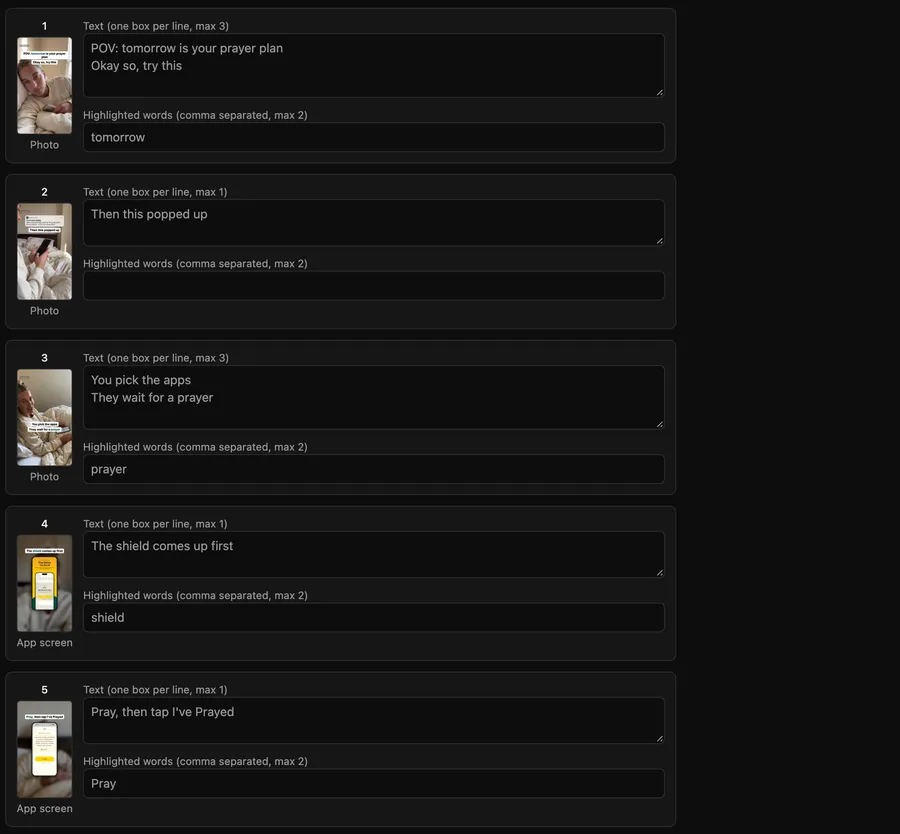
Edit the text, highlight words, reorder, remove slides, or swap in another photo or app screen. The 4:5 feed version and the 9:16 TikTok version update together.
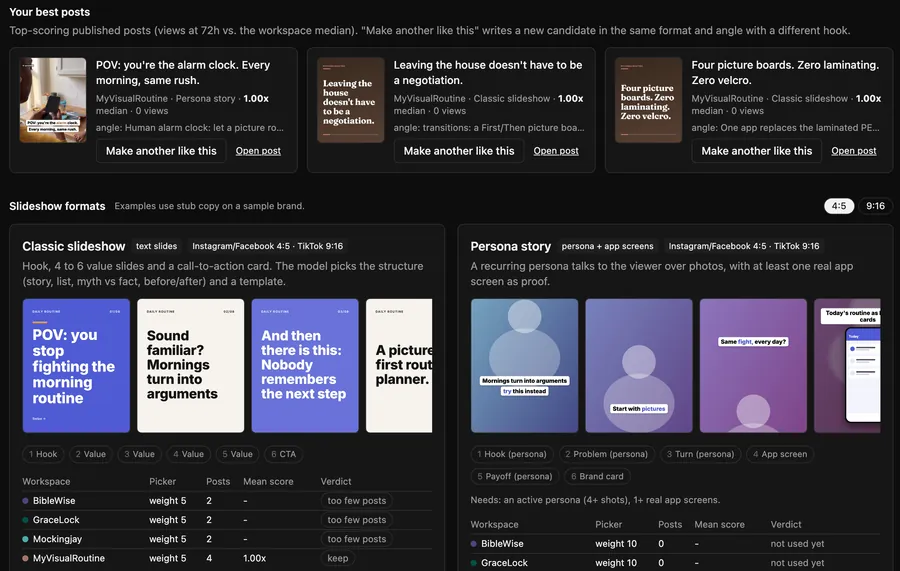
Persona stories, notification stories, listicles, myth vs fact, before/after and more. Formats that beat your median get picked more often; the rest get retired.
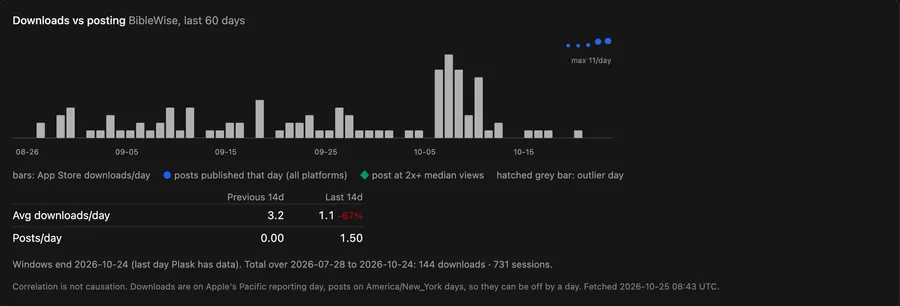
Each post is scored on its views at 72 hours against your own median. Connect Plask and your App Store downloads sit on the same chart as the days you posted.
Feed carousels for Instagram, Facebook, Threads and Bluesky, a photo post for TikTok. TikTok posts land in your TikTok drafts, where you add a sound and publish.
Each product gets its own workspace, brand voice and posting plan. Autopilot fills the slots; the calendar shows what went out and what's next.
An API, an MCP server and an agent skill, so your scripts and agents can make, schedule and read posts.
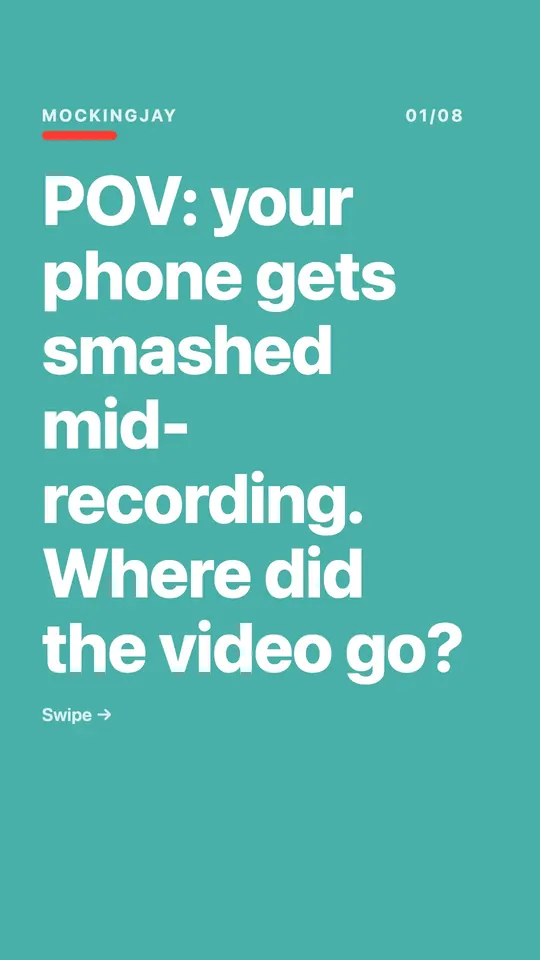
First slides of posts follow.fast published this week for four of my apps. View counts are shown where the platform reports more than a handful.
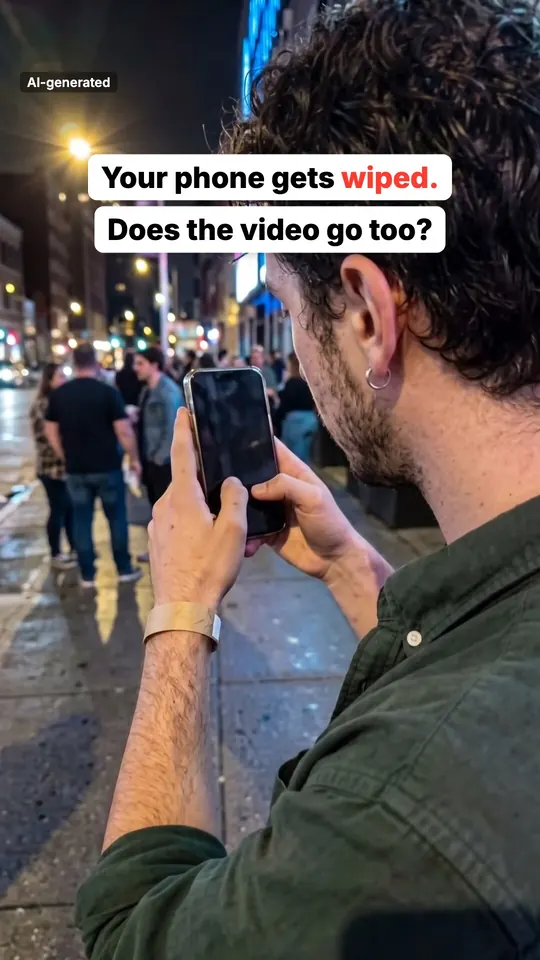

View counts are TikTok's own numbers as of 25 Oct 2026. Photos of people are AI-generated personas and are labelled on the slide.
| Feature | follow.fast | Schedulers | TikTok slideshow tools |
|---|---|---|---|
| Makes the posts for you | Every day, for each product | You bring the posts | Yes |
| Uses your real app screens and notifications | Imported from your listing | Whatever you upload | Mostly stock, Pinterest or AI images |
| TikTok | To your drafts, you add a sound and publish | Yes | Yes |
| Instagram, Facebook, Threads, Bluesky | Same post, sized per platform | Yes | Usually TikTok only |
| Learns which formats work | Scored at 72h vs your median | Analytics to read yourself | Analytics, varies |
| Downloads next to each post | With Plask | No | No |
| Several products, one account | Up to 10 workspaces | Usually | Varies |
General categories, not specific products. Features vary by tool and plan.
Compare: ReelFarm · SlideStorm · Postiz
Start with 5 free posts, no card. Pick a plan when you want more. Beta users get the founding price. Every plan, and the free posts, include all five platforms with as many accounts as you need.
Founding price for new customers, then the early-bird price
One product, every channel.
then $14/month for new customers
Request beta accessAutopilot and Results with Plask downloads.
then $39/month for new customers
Request beta accessAI characters, API keys and your team.
then $79/month for new customers
Request beta accessPrices in USD. Your price stays locked while your subscription is active. Cancel any time. When the free posts run out or you cancel, nothing you made is touched: scheduled posts still publish and your results stay.
Private beta
Private beta: I add you as a tester on Meta while its app review finishes. Public sign-up opens after approval.
Bluesky works for anyone from day one. Beta users keep the founding price.
I'll email you when I've added you as a tester. Accept the tester invite from Meta when it arrives, then sign in with the link I send.
The short version: private beta for now, 5 free posts, no card, cancel any time. Privacy questions go to [email protected].
One generated slideshow. The feed version for Instagram, Facebook, Threads and Bluesky and its TikTok version count as one post. Slideshows you reject still count, because they were made; videos you import yourself don't. Your monthly allowance resets on the 1st (UTC).
Meta (Facebook, Instagram, Threads) is still reviewing the app. Until it approves, only accounts I add as testers can connect there, so I add every beta user by hand. Request access and I'll send you the tester invite and a sign-in link. Public sign-up opens after approval, and beta users keep the founding price.
TikTok, Instagram (business or creator accounts), Facebook Pages, Threads and Bluesky. Every post is rendered in 4:5 for feeds and 9:16 for TikTok, and you can connect several accounts per platform. During the beta, Instagram, Facebook and Threads work once I've added you as a tester there; TikTok and Bluesky work for anyone.
Posts go to your TikTok drafts. You open TikTok, add a sound and publish. Posting straight to a public profile needs a separate TikTok audit that follow.fast hasn't passed yet, so for now a post set to go straight to your profile lands in your drafts too. TikTok limits how many drafts can wait at once, so finish or delete them as you go.
Yes, if your product has something to show. Upload screenshots of your web app, SaaS dashboard or product, and follow.fast builds the same formats around them.
No. Persona formats use AI-generated people, and each such slide is labelled "AI-generated". Text, app-screen and notification formats need no people at all, and you choose which formats each product uses.
Your first 5 posts are free, no card needed, and they work on all five platforms. After that, making new posts stops until you pick a plan. Nothing you already made is deleted: scheduled posts keep publishing, and your workspaces and results stay. As on every plan, drafts you leave untouched for 30 days are cleared, with a warning 3 days before.
Yes. You keep the price you join at for as long as your subscription stays active, also when you switch plans and when prices go up for new customers. If you cancel and come back later, you pay the price at that time.
Yes, from your billing page, no call or email needed. Posts that are already approved and scheduled keep publishing, and your workspaces and results stay. New posts and autopilot stop until you subscribe again.
Plask is my P&L tool for app makers. Connect it on Growth or Scale to see your daily App Store downloads next to the days you posted. You don't need it to post. Downloads next to posts show timing, not proof that a post caused them.
follow.fast only acts on the accounts you connect, to publish your posts and read how they did. Tokens are stored encrypted, nothing is sold, and you can disconnect or delete everything at any time. Details: Privacy, Terms and delete your data.
Paste your App Store link and follow.fast pulls in your app's name, icon, description and screenshots. If it isn't an app, upload screenshots of your web app or product instead. It then builds slideshows around those real screens in 12 formats, rendered in 4:5 for feeds and 9:16 for TikTok. You approve each post, or switch on autopilot, and it lands in your TikTok drafts, ready for you to add a sound and publish.
I can't promise how TikTok treats any post, and I won't guess at its ranking or rules. What I can tell you is how follow.fast posts: through TikTok's official API, to your drafts, where you add a sound and publish. The slides use your real app screens, and any AI-generated person is labelled "AI-generated". Read TikTok's own rules for your account too.
ReelFarm and SlideStorm are TikTok slideshow tools, and Postiz is a social media scheduler. follow.fast builds slideshows from your real app screens and notifications and posts them to TikTok, Instagram, Facebook, Threads and Bluesky. Each tool has its own strengths. Read the side-by-side pages: follow.fast vs ReelFarm, follow.fast vs SlideStorm and follow.fast vs Postiz.
Tokens and keys are encrypted at rest. The app and database are hosted in the EU on Hetzner. Media files are stored on Cloudflare R2 so the platforms can fetch them when publishing. The full list of sub-processors is in the Privacy page.
No. follow.fast has no connection to Follow, the RSS reader. It is made by T Skulbru Development in Norway, and it makes slideshow posts from your app screens.
Send your App Store link and I'll get you into the beta. 5 posts free, no card, founding price.